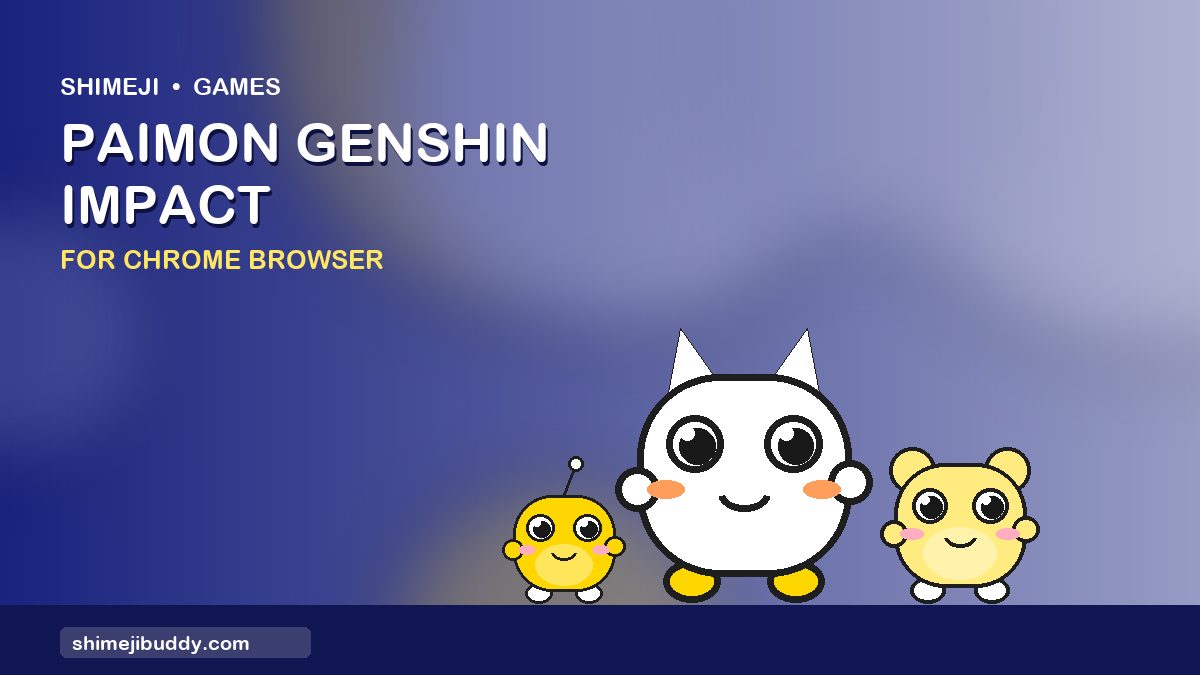
Play Paimon Genshin Impact Shimeji on Chrome browser. Everyone's favourite emergency food floats beside your tabs and asks about dinner.
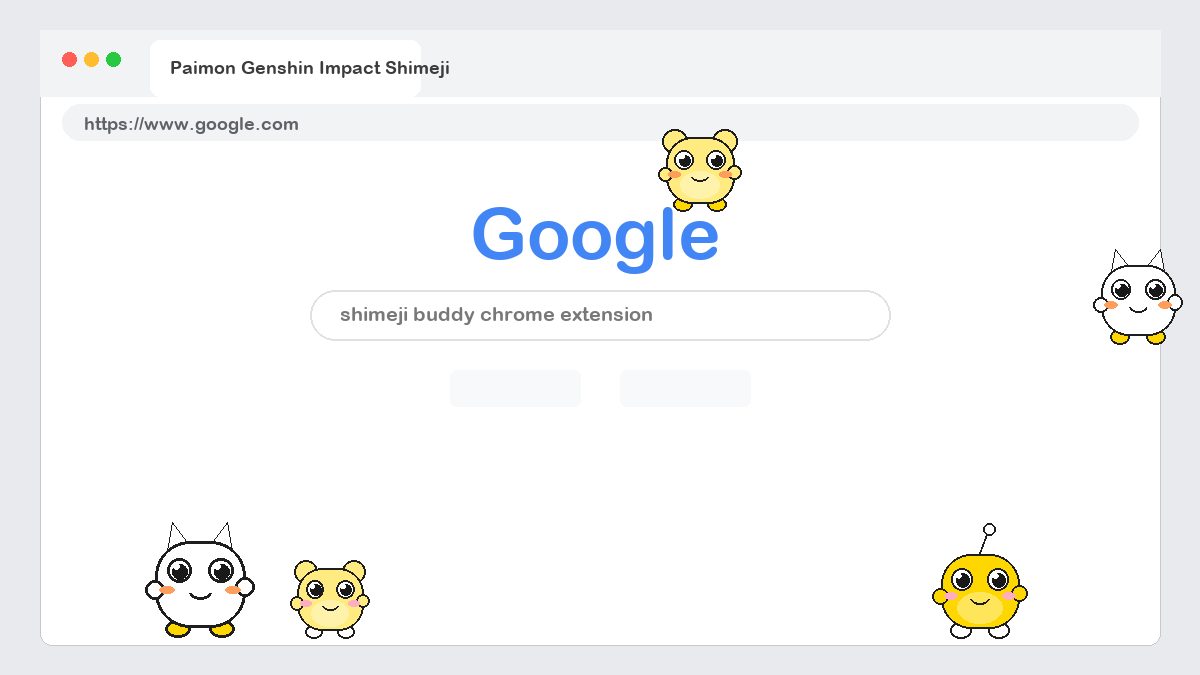
Paimon Genshin Impact Shimeji is part of Shimeji Buddy, a free Chrome extension that adds small animated characters to every web page you open. Once you turn Paimon Genshin Impact on, the buddy appears at the bottom of the page, walks around, climbs the sides of the window, sits on top of images and reacts when you click or drag it. It works on Google search, YouTube, Reddit, your school portal and almost any other site.
Works on Chrome, Edge, Brave & Opera · No sign-up · 38+ characters included
What Is Paimon Genshin Impact Shimeji?
A Shimeji (しめじ) is a tiny desktop mascot that lives on the edge of your screen. The idea started as a Japanese desktop-pet program and Shimeji Buddy brings it to the browser. Paimon Genshin Impact Shimeji is our games buddy inspired by Paimon Genshin Impact. It uses a hand-drawn sprite sheet with walking, climbing, falling, sitting and special animations, so it looks like a real little animation rather than a static sticker.
Features Of Paimon Genshin Impact Shimeji Chrome Extension
- Cute animated Paimon Genshin Impact characters that walk, run, climb and jump on every web page.
- Drag and drop any buddy to wherever you want on the screen.
- Click a character to trigger its special animation.
- Run one buddy or a whole crew at the same time.
- Lightweight sprite animations that will not slow down Chrome.
- Pause, hide or remove buddies with one click from the toolbar panel.
- Works on Google Chrome, Microsoft Edge, Brave and other Chromium browsers.
- 100% free, no account, no sign-up and no personal data collected.
- Advertisement -
How To Use Paimon Genshin Impact Shimeji
- Install Shimeji Buddy. Open the Chrome Web Store listing, click Add to Chrome and confirm. It takes a few seconds and no account is needed.
- Open the buddy panel. Click the Shimeji Buddy icon next to your address bar. Pin it from the puzzle-piece menu if you do not see it.
- Turn on Paimon Genshin Impact. Find Paimon Genshin Impact in the Games tab and flip the toggle. The character drops onto the page right away.
- Play with it. Click Paimon Genshin Impact for its special animation, drag it anywhere on the screen and drop it to let it walk off again. Add more buddies for a crowd.
- Pause or remove. Use the same toggle to pause, or the trash icon to remove it. Buddies stay off on sites you mark as ‘focus’ sites.
Need more detail? See the full installation guide with screenshots and troubleshooting tips.
About Paimon Genshin Impact
Paimon is the Traveller's floating companion in Genshin Impact by HoYoverse. Small, white-haired and always hungry, she guides players across Teyvat and delivers most of the game's dialogue. Paimon Shimeji floats instead of walking, bobbing gently beside the browser edge, and spins in excitement when you click her. She is a natural choice for anyone who wants a buddy that stays out of the way of the page content.
Paimon Genshin Impact Shimeji FAQ
Does Paimon Shimeji walk or float?
Paimon floats. She hovers near the edges and drifts slowly across the page.
Will more Genshin Impact characters be added?
Yes. Hu Tao, Zhongli and Raiden Shogun buddies are on the roadmap.
Is Paimon Genshin Impact Shimeji free?
Yes. Paimon Genshin Impact Shimeji is completely free as part of the Shimeji Buddy Chrome extension. There is no sign-up, no subscription and no in-app purchase.
Does Paimon Genshin Impact Shimeji slow down Chrome?
No. Each buddy is a small sprite animation that uses almost no memory. You can pause or hide it at any time from the toolbar panel.