Shimeji Buddy is free and takes about 20 seconds to install. No account, no download outside the Chrome Web Store, and no personal data is collected.
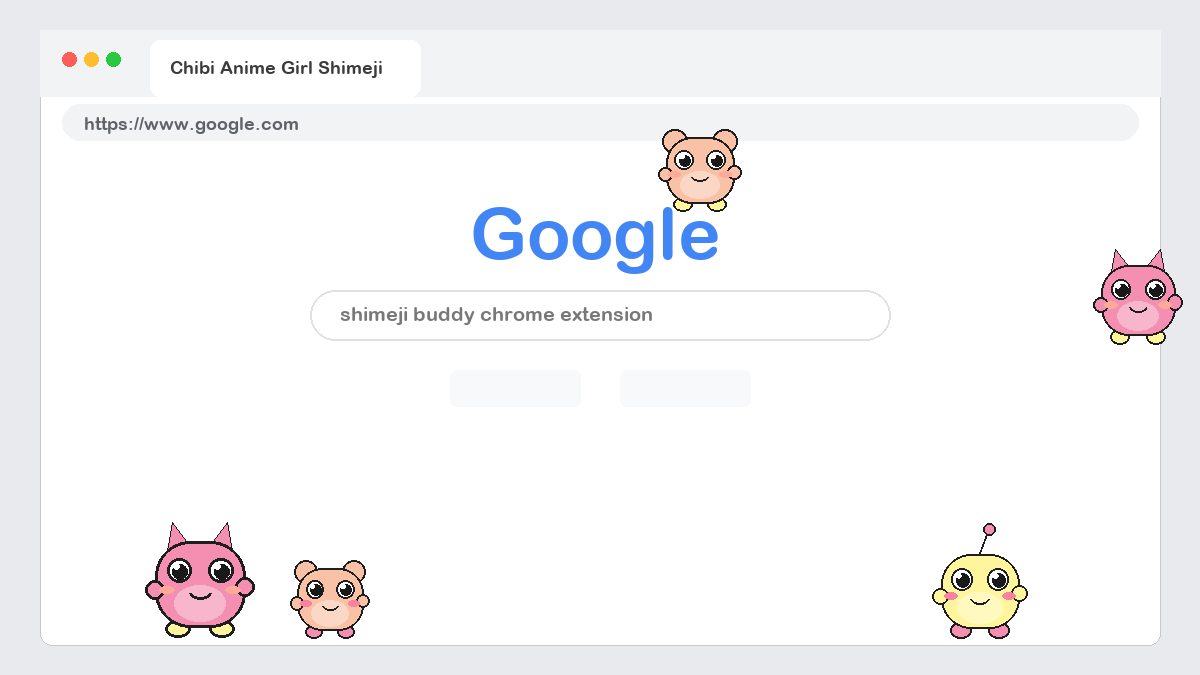
Install Shimeji Buddy In 6 Steps
- Open the Chrome Web Store listingGo to the Shimeji Buddy page on the Chrome Web Store. It also opens in Microsoft Edge, Brave, Opera and Vivaldi.
- Click “Add to Chrome”Click the blue Add to Chrome button, then Add extension in the confirmation dialog. The extension only asks for permission to draw on web pages.
- Pin the Shimeji Buddy iconClick the puzzle-piece icon to the right of the address bar and press the pin next to Shimeji Buddy so it stays visible in your toolbar.
- Choose your first buddyClick the Shimeji Buddy icon. Browse the Anime, Games, Chibi, Animals, K-Pop, Cartoons and Films tabs and flip the toggle on any character.
- Play, drag and dropThe buddy drops onto the page immediately. Click it to trigger its special animation or drag it anywhere on the screen and let go.
- Pause, hide or removeUse the toggle to pause a buddy, the eye icon to hide all buddies on the current site, or the trash icon to remove one completely.
Chrome · Edge · Brave · Opera · Chromebook
Tips For A Better Shimeji Experience
- Run a crew. Enable several buddies at once. They interact with each other and share ledges.
- Focus sites. Add work or school domains to the focus list so buddies stay hidden there automatically.
- Speed and size. Settings lets you scale buddies from 50% to 200% and slow their walking speed.
- Keyboard shortcut. Press Alt+Shift+S to hide or show all buddies on the current tab.
Troubleshooting
Shimeji Buddy is installed but I do not see any character
Open the toolbar panel and make sure at least one buddy is toggled on. Also check that the current site is not on your focus list, and reload the tab once after installing.
My buddy disappeared after I switched tabs
Buddies live inside each tab. Switch back and it will still be there. If you want the same crew on every tab, enable “Follow me to new tabs” in Settings.
Can I use Shimeji Buddy on Chromebook?
Yes. Chrome OS is fully supported. Install it from the Chrome Web Store exactly as on Windows or Mac.
Does it work in Firefox or Safari?
Not yet. Shimeji Buddy currently supports Chromium-based browsers: Chrome, Edge, Brave, Opera, Vivaldi and Arc.
How do I uninstall Shimeji Buddy?
Right-click the Shimeji Buddy icon in your toolbar and choose “Remove from Chrome”, or open chrome://extensions and click Remove.